TL;DR
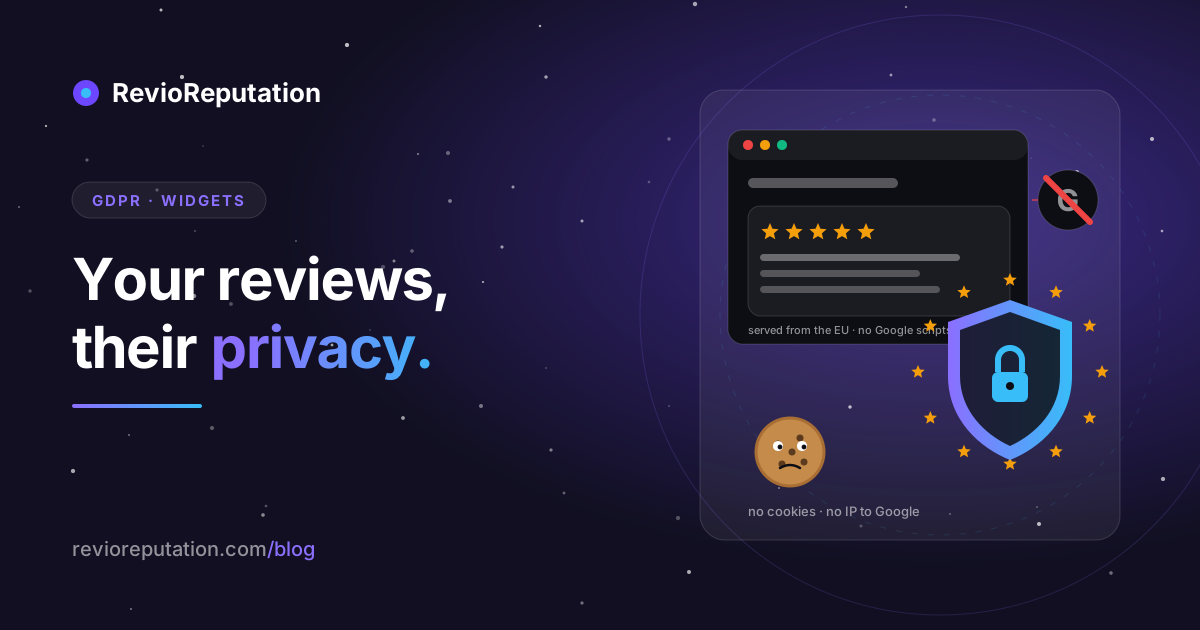
Yes, you can show your Google reviews on your own website in the EU. The reviewer published them in public, under Google's terms, and a business quoting its own public reviews has a legitimate interest that is hard to argue with. The real exposure is somewhere else: in what the widget does to the people reading your site. A lot of review widgets load scripts, images or an iframe straight from Google. That sends every visitor's IP address to Google the moment the page opens, before anyone has clicked a cookie banner. A German court has already awarded damages against a site for exactly this, over Google Fonts. The fix takes ten minutes. The check takes two.
Two different questions people mix up
When a restaurant owner in Lyon or a garage in Leeds asks "is a Google reviews widget GDPR compliant?", they are asking two questions at once.
The first is about the reviewer. Their name, their profile photo and their words appear on your site. That is personal data, and you are the one publishing it there.
The second is about your visitors. Whatever the widget loads, it loads into their browser. If any of it comes from a Google server, Google receives their IP address, the page they are on, and whatever cookies Google already has for them. That happens on every page view, with or without consent, unless you build it differently.
The first question gets all the attention. The second one is where the money is lost. I will take them in that order.
Reviewers: public, but still personal data
A review on Google Maps is public. Anyone can read it, Google shows it to millions of people, and the reviewer agreed to that when they posted it. But "public" is not a GDPR category. The name and the photo are still personal data under Article 4(1), and you still need a legal basis to republish them.
The basis almost every business relies on is legitimate interest, Article 6(1)(f). You have an interest in showing prospective customers what existing customers said. The reviewer, who chose to post under their own name on the most visible review platform in the world, has a weak expectation that the review stays on Google only. The balance goes your way, as long as you do not add anything.
That last clause does the work. Things that keep you on the right side of it:
- Show the review as Google shows it: the name the reviewer chose, the stars, the text, the date. Nothing more.
- Do not edit the text. Trimming with an ellipsis is fine. Rewriting is not.
- If the reviewer asks you to take their review off your site, do it, and do it quickly. They have the right to object under Article 21, and there is no business reason worth a complaint to the CNIL or a German state authority.
- Keep the name. Google's own Places policy requires that a review shown outside Google carries its author's attribution, so a widget that strips names breaks Google's terms. The name stays.
- Profile photos are the weakest part of the balance. The reviewer posted a photo to Google, not to your restaurant's homepage. Most widgets let you switch avatars off, or show a letter in a circle instead. I would switch them off. It also fixes a problem in the next section.
I have not found a published decision by an EU data protection authority on a business republishing its own Google reviews. If one appears, this post will be updated with a date. Until then, legitimate interest plus the five habits above is the standard answer.
Visitors: the part that gets sites fined
Open your website in a private browser window. Do not click anything on the cookie banner. Press F12, open the Network tab, type "google" into the filter, and reload.
If anything appears in that list, your site contacted a Google server before the visitor gave consent. Common culprits:
| What you embedded | What it loads from Google | What Google receives |
|---|---|---|
| Google Maps iframe | maps.googleapis.com, scripts, tiles, cookies | IP, page URL, existing Google cookies |
| "Google reviews" badge from a plugin | Often an iframe from google.com | IP, page URL, cookies |
| Widget that shows reviewer photos | lh3.googleusercontent.com (the photos) | IP, page URL |
| Google Fonts loaded from fonts.googleapis.com | the font files | IP, page URL |
The legal problem is the IP address. In January 2022 the Regional Court of Munich ruled that a website which loaded Google Fonts from Google's servers had transferred the visitor's IP address to Google without a legal basis, and awarded the visitor damages (LG München I, judgment of 20 January 2022, case 3 O 17493/20). The amount was 100 euros. The point was that the transfer itself was the violation, and it happened on every page view, before any banner. A wave of warning letters to German site owners followed.
A Google reviews widget that loads an iframe or images from Google does the same thing as those fonts. The cookie banner does not save you, because the request fires on page load, before the banner is answered. The only two ways out are to load the widget after consent (which means a visitor who rejects the banner never sees your reviews) or to use a widget that does not talk to Google from the visitor's browser at all.
The second option is how a server-side widget works. The widget's own server fetches your reviews from Google once, on a schedule, and stores them. The visitor's browser only ever talks to that server. Google never sees the visitor.
One detail that catches people: reviewer photos. Even a server-side widget usually shows the photo by linking to Google's image server, because copying people's photos onto a third server is worse, not better. So the photo request goes to Google. If you want zero Google requests on your page, turn the photos off. The initial-letter avatar looks fine.
The review that was deleted on Google but lives on your site
Server-side widgets keep a copy. That is what makes them private for your visitors, and it creates one duty for you.
A reviewer can delete their Google review at any time. When they do, it disappears from Maps within minutes. Your widget's copy disappears when the widget next refreshes, if the widget removes old reviews on refresh. Many do not. They add new reviews and leave the old ones. Ask your widget provider which it is. If the answer is "we add, we do not remove", then a reviewer who deleted their review on Google and still sees it on your site has a real complaint, and you need a way to remove it by hand.
For ReviewQR, the honest answer today is the second one: each refresh pulls the newest reviews and keeps what it already had. If someone asks you to remove a review, write to us and we remove it by hand, or switch the widget to the Badge layout, which shows only the rating and the review count and no individual reviews at all.
Filtering: the part the Omnibus Directive cares about
Most widgets have a "minimum rating" setting. Set it to 4 and the 2-star review from March never appears on your homepage.
Is that legal? It is your website, and you choose what to quote. But since 28 May 2022 the Unfair Commercial Practices Directive, as amended by Directive (EU) 2019/2161, bans "misrepresenting consumer reviews or social endorsements, in order to promote products" in every member state (Annex I, point 23c), and a trader who gives access to reviews must say whether and how it ensures they come from real customers (Article 7(6)). A widget that shows five 5-star reviews under the heading "What our customers say", with no overall rating anywhere, is making a claim about your customers that your Google profile contradicts.
The safe pattern is simple. Show the real aggregate next to the quotes: "4.3 from 146 reviews on Google", with a link to the profile. Then the five quotes are what they are, a selection, and the reader can see the whole picture one click away. If the widget shows the aggregate, filtering the quotes is a design choice. If it hides the aggregate, filtering is the kind of thing the 2026 enforcement wave is about. I wrote up the full rulebook in the EU review law compliance checklist.
What our widget does, so you can compare
I will describe ReviewQR, because I know exactly what it does, and you can hold any other widget to the same questions.
- The script and the review data load from our own servers, hosted by Hetzner inside the EU. The visitor's browser makes no request to Google unless reviewer photos are switched on.
- The script sets no cookies and writes nothing to local storage. It sends one request to count a view, which adds 1 to a number. The widget stores nothing per visitor. Our web server keeps ordinary access logs, like every server does, and that is the only place a visitor's IP exists on our side.
- Reviews come from Google's Places API, which returns at most five reviews per business, chosen by Google, with no way to ask for more. Google documents the limit on the Place resource reference page (checked 10 October 2026). We refresh them every ten days. Your real overall rating and review count are shown with every layout.
- Reviewer photos are on by default and can be switched off in the widget settings. Switch them off if you want the Network tab test above to show nothing.
- The free plan has one widget, two layouts and a "Powered by ReviewQR" line. The paid plan is 9 dollars a month, with five widgets, all layouts and no line. There is no trial and no annual plan.
If you are comparing another provider, ask them the same five things in the same order. The answer to the first one decides most of it.
The ten-minute checklist
- Private window, Network tab, filter "google", reload without touching the banner. Nothing should appear. If something does, find out which embed caused it.
- Switch off reviewer photos in your widget, or accept that one request to Google's image server per review.
- Put the overall rating and review count next to the quotes, with a link to your Google profile.
- Add one sentence to your privacy notice: that you display reviews posted publicly on Google, on the basis of legitimate interest, and that reviewers can ask for removal at your contact address.
- Decide now what you do when a reviewer asks for removal. Know whether your widget removes deleted reviews by itself. If it does not, know who to email.
- Write down the date you did this. The next time a client or a lawyer asks, you will have an answer instead of a guess.
If you want a widget that passes step 1 without configuration, the ReviewQR widget is free for one site, and you can run the Network tab test on it before you decide.
New blog posts. No spam.
Get the next reputation playbook delivered when it drops.