TL;DR
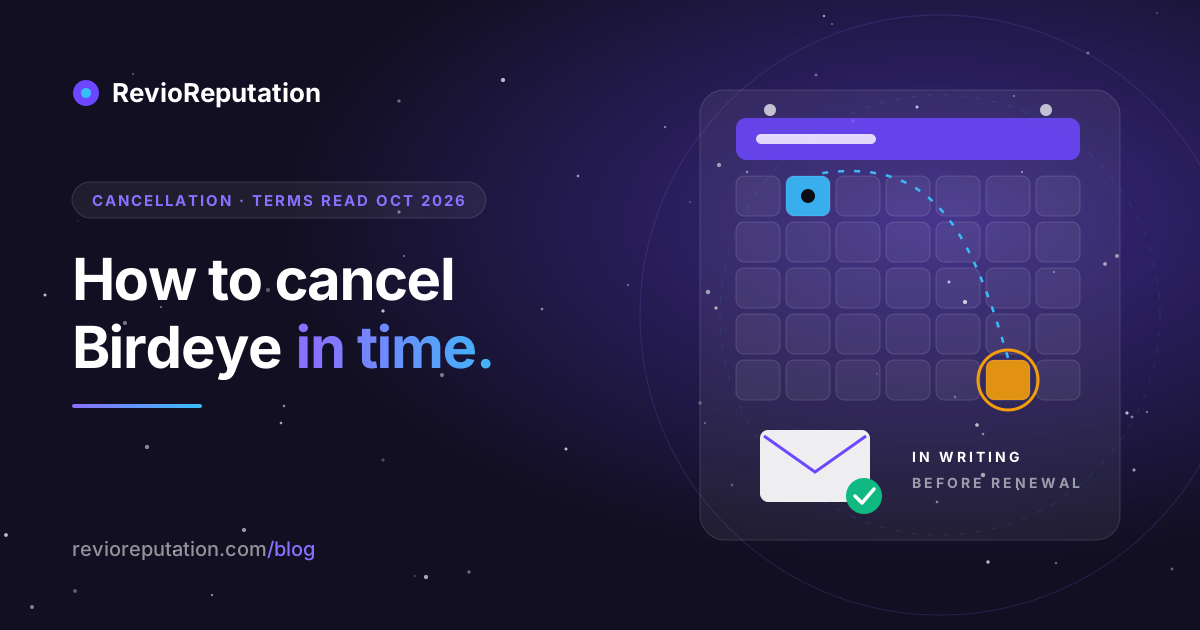
Birdeye's cancellation page offers no cancel button or form. Your contract renews by itself for the same term (a 12-month contract renews for another 12 months) unless you send Birdeye written notice of non-renewal at least 90 days before the renewal date, unless your Order Form says something else. That is section 2.3 of the Birdeye Terms, read on 18 October 2026.
Three more lines from the same Terms matter when you leave. Payments under an Order Form are non-cancellable and non-refundable (section 5.1). At each auto-renewal Birdeye adds an 8% fee on recurring service fees, unless you signed before 1 April 2024 or your agreement changes that fee (section 6). Written notices go to legal@birdeye.com or to Birdeye's postal address (section 8.8).
So the date that decides everything is your renewal date minus 90 days. Find it today.
What the Birdeye Terms say about cancelling
Everything below comes from birdeye.com/terms, the version marked "Effective starting May 13, 2026", read on 18 October 2026. Your signed Order Form can override parts of it, so read the two side by side.
| Section | What it says, in plain words |
|---|---|
| 2.3 Auto renew | The agreement renews for the same length as the first term, unless you give Birdeye written notice of non-renewal at least 90 days before the renewal date, unless the Order Form or Statement of Work says otherwise. |
| 5.1 Term | Payment obligations under Order Forms are non-cancellable, and payments made are non-refundable, except where the Terms say otherwise. |
| 5.2 Termination | The termination right in the Terms is for a breach that is not fixed within 30 days of written notice. We found no clause that lets you end the contract early for convenience. |
| 6 Innovation fee | Birdeye applies an 8% fee on all recurring service fees at auto-renewal, unless you signed with Birdeye before 1 April 2024 or your agreement changes the fee. |
| 8.8 Notices | Notices must be in writing: in person, express or certified mail, overnight delivery, fax or email. Birdeye's address is Birdeye, Inc., 2479 E Bayshore Rd, Suite #188, Palo Alto, CA 94303, Attn: Legal. Email: legal@birdeye.com. |
Birdeye also has a cancellation policy page (read on 18 October 2026). It says the full cancellation terms are in the contract you signed, that an account can be closed early only if your contract has an early opt-out clause, that pausing needs a pause clause, and that contract questions go to support@birdeye.com. Billing date questions go to billing@birdeye.com. The page gives no notice period of its own.
The calendar math
Count days, not months. Say your contract renews on 1 March 2027. Ninety days before that is 1 December 2026, so Birdeye must have your written notice by 1 December 2026 at the latest. If the renewal falls on 1 March 2028, a leap year, the last day moves to 2 December 2027.
Two practical rules:
- Send the notice in the week you decide, not on the last day. Nothing in section 2.3 stops you from sending it early, and an early letter gives you time to chase a reply.
- If you are already inside the 90 days, the next term has most likely been triggered under section 2.3. Read your Order Form for a different notice period or an opt-out clause before you assume the worst, then ask Birdeye in writing.
A step-by-step checklist
- Find your Order Form. It was emailed to you at signup, and Birdeye's cancellation page points there too. Note the start date, the term length, the renewal date and any notice period or opt-out clause that differs from the Terms.
- Work out the deadline: renewal date minus 90 days, or whatever your Order Form says.
- Write the notice. Keep it short: your business name, the account or Order Form reference, the locations covered, one sentence saying you give notice of non-renewal under section 2.3 of the Terms, and the renewal date you are not renewing into. Sign it with a name and a role.
- Send it to legal@birdeye.com, the address section 8.8 names for notices. Copy support@birdeye.com and your account manager if you have one. If the contract is large, also send it by certified mail to the Palo Alto address above, so you have a dated receipt.
- Keep proof. Save the sent email with its headers as a PDF, keep the postal receipt, and ask Birdeye to confirm the non-renewal in writing. Put a reminder in your calendar two weeks after sending in case nobody answers.
- Export your data while you still have access. The Terms do not describe an export after the contract ends, so do it before. Download review reports, contact lists you uploaded, and any reply history you want to keep.
- Check who manages your Google Business Profile. If Birdeye or your account manager was added as a manager, open People and access in your Business Profile settings after the contract ends and remove anyone you no longer work with.
- Remove Birdeye code from your website. If you added Birdeye review widgets or badges to your pages, take the code off yourself instead of waiting to see what they show once the account closes.
- Watch the next two card or bank statements. If a charge appears after the end date you were given, reply to the confirmation email with the charge and the date.
What happens to your reviews
Reviews that customers left on Google stay on Google. They belong to your Google Business Profile, not to Birdeye, and so do your replies to them. The same goes for Facebook and other sites Birdeye only monitored.
Two things do depend on Birdeye. Reviews collected on Birdeye's own pages, and the public business page Birdeye hosts on birdeye.com, are Birdeye's to keep or switch off; neither the Terms nor the cancellation page says what happens to them. If you care about either, ask in your notice letter what will happen to the Birdeye page and the reviews collected on it, and keep the answer. Listings that Birdeye's listings product published to directories also deserve a question: ask which directories it pushed to, so you can claim them directly afterwards.
What customers report
On Trustpilot, Birdeye had a TrustScore of 3.2 from 679 reviews when we read the page on 18 October 2026. Among the most recent reviews, cancellation is a common theme. Three examples, quoted as written:
- 8 October 2026, 1 star: "I had missed a 90-day cancellation window, meaning my contract automatically renewed for another 12 months."
- 20 July 2026, 1 star: "I tried canceling the contract, but they said they needed 90 days notice to cancel."
- 10 October 2026, 1 star: "Instead of processing the cancellation, Birdeye sends every request to retention."
Birdeye replied to each of these on the page. These are individual accounts, not a measurement of every customer. What they have in common is the date: people who found out about the 90 days after the window had closed. That is the one mistake the checklist above is built to stop.
Can I delete my Birdeye account or profile?
Not from a settings page we could find in Birdeye's public help or Terms. The cancellation page routes contract questions to support@birdeye.com, and Birdeye's older help center at birdeye.helpjuice.com no longer loads (it returned an account-cancelled page on 18 October 2026). So ask in writing. In the same notice, request that your account be closed at the end of the term, ask what happens to the birdeye.com business page and the data you uploaded, and if you are in the EU or UK, ask Birdeye to delete the personal data of your customers that you uploaded, since you are the one who collected it.
Deleting the Birdeye account does not touch your Google reviews. Those stay on your Business Profile either way.
If you are leaving for something smaller
If the bill was too big for what you used, or you only ever used one or two features, here is what we sell and how leaving us works, so you can compare the exit as well as the price.
| RevioReputation Starter | RevioReputation Pro | ReviewQR Pro | |
|---|---|---|---|
| Price | $59 a month | $149 a month | $9 a month |
| Billing | monthly, no annual contract | monthly, no annual contract | monthly, no annual contract |
| What it is for | AI drafts for review replies, review monitoring, health score, up to 3 locations | the same for up to 10 locations, plus more scans and posts | Google reviews widget for your website and a QR code to collect reviews |
How cancelling works with us, checked in our own code on 18 October 2026: on the Billing page you press Manage subscription, which opens the customer portal of Lemon Squeezy, the company that takes our payments. You cancel there. There is no notice period. The month you already paid for is not refunded, and you keep the paid plan until that month ends; then the account moves to the Free plan instead of being deleted. Deleting the account is a separate button in account settings, and it waits 30 days before anything is erased, so you can change your mind.
What we do not do, so the comparison is fair: we do not run SMS campaigns or a survey suite, and we do not syndicate listings to dozens of directories. Today the review source we support fully is Google. If you used Birdeye mainly for the website widget and the QR code, ReviewQR does those two things for $9 a month, and it has a free plan with one widget.
Before you decide, the Birdeye comparison page puts the two products side by side, what Birdeye costs and what you actually need breaks down the bill, and 7 cheaper Birdeye alternatives covers tools other than ours.
Questions people ask
How do I cancel my Birdeye subscription?
Send written notice of non-renewal to legal@birdeye.com (the notice address in section 8.8 of the Terms) at least 90 days before your renewal date, unless your Order Form sets a different period. Keep a copy and ask for written confirmation. Birdeye's cancellation page does not offer an online cancel button.
What is Birdeye's cancellation policy?
The contract renews for the same term unless you give written notice at least 90 days before renewal (Terms section 2.3), payments are non-cancellable and non-refundable (section 5.1), and an account can be closed early only if your contract has an early opt-out clause (cancellation policy page). All read on 18 October 2026.
Can I get a refund from Birdeye?
Section 5.1 of the Terms says payments made are non-refundable, except where the Terms say otherwise. If you were charged after a confirmed end date, that is a billing error, not a refund request: send the confirmation and the charge to billing@birdeye.com, the billing address on Birdeye's cancellation page.
Does Birdeye charge more when the contract renews?
Section 6 of the Terms adds an 8% fee on recurring service fees at auto-renewal, for agreements signed from 1 April 2024 unless your agreement changes that fee.
What happens if I miss the 90-day deadline?
Under section 2.3 the agreement renews for the same term. Check your Order Form for a different notice period or an opt-out clause, and ask Birdeye in writing; the outcome then depends on your contract and on what Birdeye agrees to.
Will my Google reviews disappear if I leave Birdeye?
No. Reviews on Google belong to your Google Business Profile and stay there, with your replies. What Birdeye controls is its own business page on birdeye.com and the reviews collected there.
Sources
- Birdeye Terms and Conditions, effective 13 May 2026, sections 2.3, 5.1, 5.2, 6 and 8.8, read on 18 October 2026.
- Birdeye cancellation policy, read on 18 October 2026.
- Birdeye reviews on Trustpilot, TrustScore and the three quoted reviews read on 18 October 2026.
- Our prices and cancellation flow: revioreputation.com/pricing and widget.revioreputation.com, as of 18 October 2026.
New blog posts. No spam.
Get the next reputation playbook delivered when it drops.